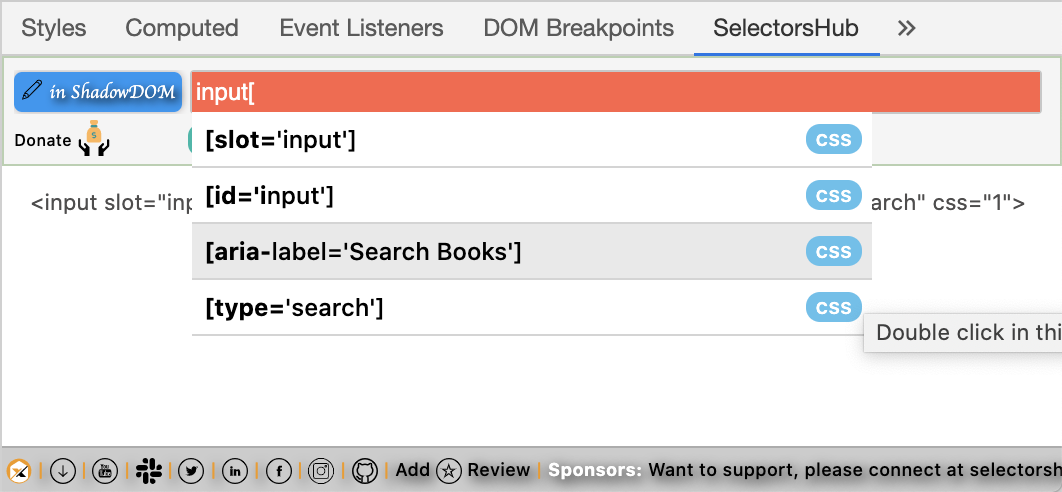
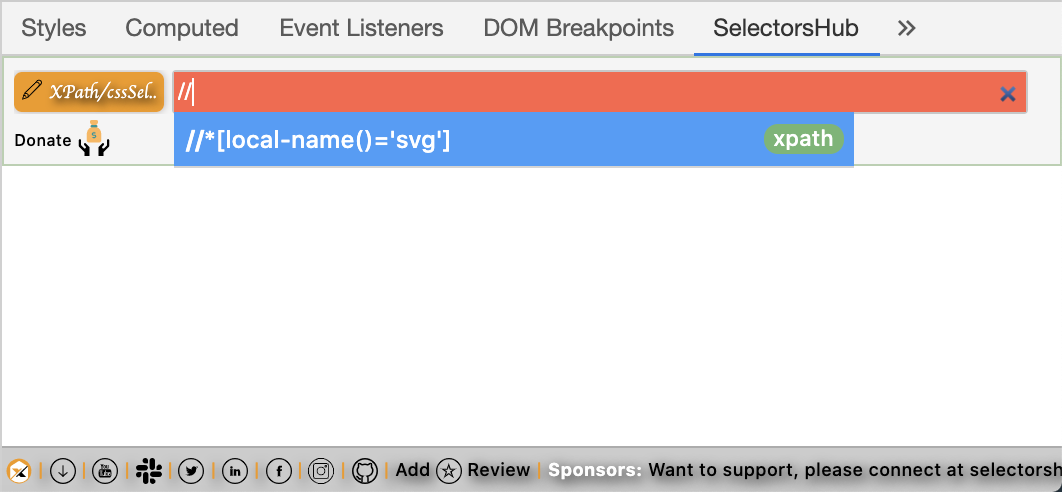
Like a dictionary gives all the suggestions at one place for matching characters similarly now we have SelectorsHub for locators. As soon as we start typing SelectorsHub suggests all the attributes, siblings, etc to build the xpath, cssSelector in less than 5sec.
There are a lot of good reasons which make SelectorsHub the best XPath tool.
The biggest reason is, SelectorsHub helps to improve XPath and cssSelector’s writing skills.
Not one reason, there are many reasons which make SelectorsHub the best XPath tool.
- SelectorsHub is the only tool that made it possible to write own selectors in less than 5sec with its auto-suggest feature without compromising learning skills.
- SelectorsHub is the only tool that supports #shadowDOM, in fact, even Chrome DevTools doesn’t support shadow DOM.
- SelectorsHub is the only tool that gives the proper error message for the missing elements in your selectors.
- SelectorsHub is the most secure plugin. It injects the script on the website when the user opens the SelectorsHub tab while other plugins inject the script as soon as the user opens any website.
- It doesn’t save any user data.
- It runs only in a user’s local environment.
- It helps you to improve your XPath and cssSelectors writing skills.
- It has iframe support.
- It supports svg elements.
- It supports a dark theme.
- It saves a huge amount of time and effort while building its own selectors.
- One good reason is, it is invented by ChroPath Creator Sanjay Kumar.
It’s absolutely FREE and a lot more features are coming in.
Try it now, available for all the browsers Chrome, Firefox, Edge, and Opera.
It was never possible to verify and write the cssSelectors for shadowDOM elements but this amazing innovation made it possible.
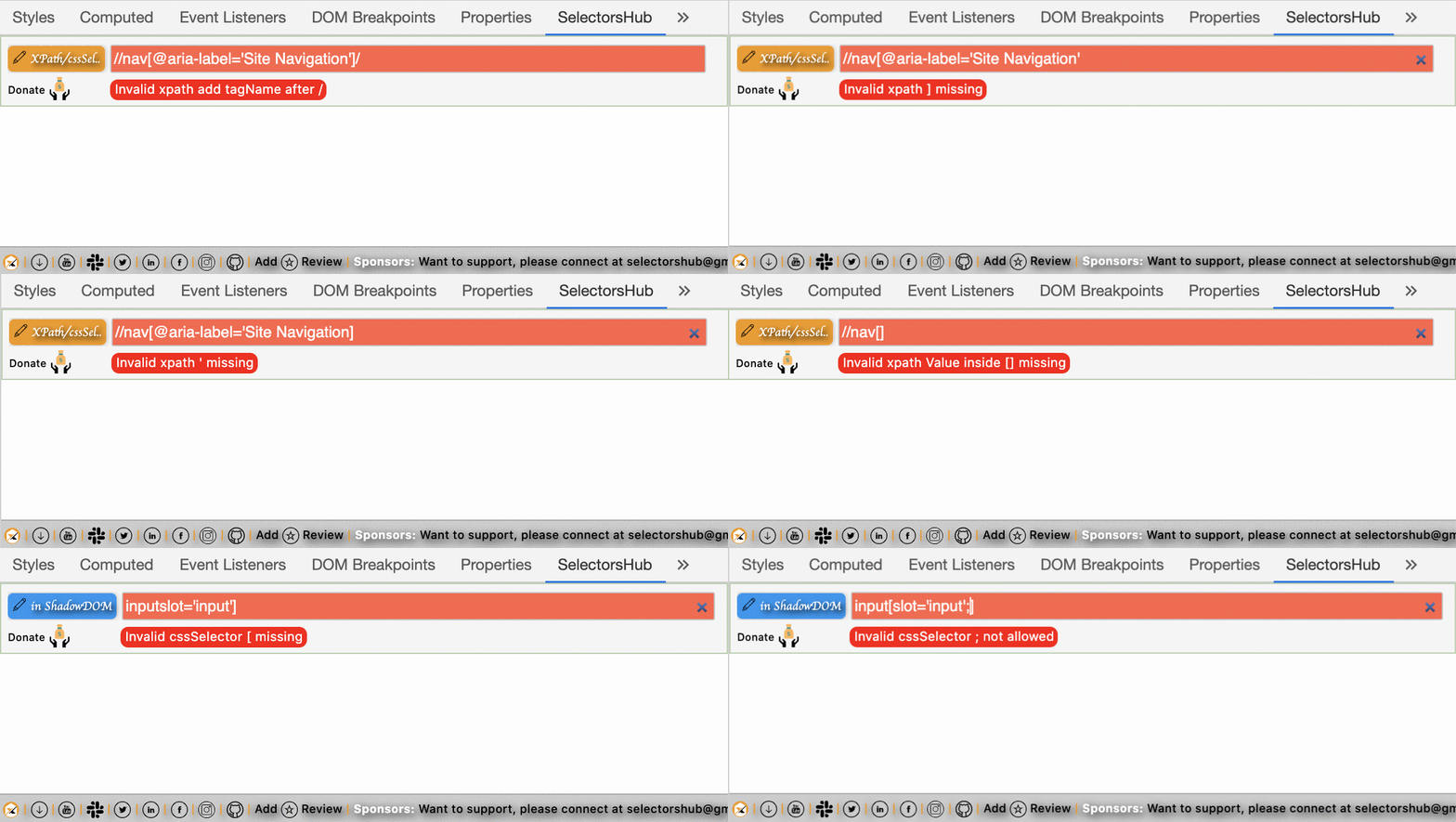
Earlier there was nothing that can tell us what’s wrong in our selector. We were never able to understand what’s wrong in our selector until we are not expert in it. Devtools suggests 0 matching node for the wrong selector pattern. But now we have the Selector’s guide which helps us with the correct error message and what is wrong or missing in our selector.
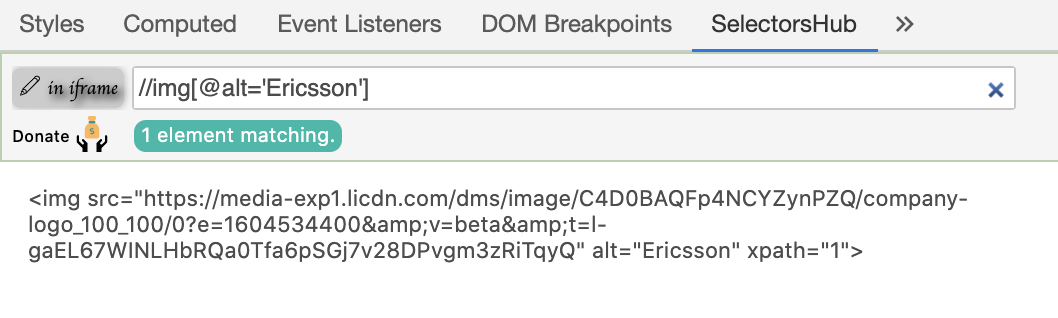
It supports iframes as well. It will let you know if the inspected element is inside an iframe or not. Now we can easily write and verify selectors for elements inside an iframe without wasting any time.
Many of us are not aware that svg elements don’t support the standard xpath format. SVG elements support different xpath patterns. SelectorsHub has made it easy and let you know the correct format and helps you to learn how to write selectors for svg elements.
You can download/clone the above sample project from here.
If you have any doubt, feel free to comment below.If you like my posts, please like, comment, share and subscribe.#ThanksForReading
#HappyLearning