Skip to content

Make Selenium Easy

And Keep It That Way

  • Home
  • Share
  • Toggle search form

Part 11: Usages Of Javascripts In Selenium : How To Scroll To Any WebElement In Selenium WebDriver

Posted on 03/16/2025 By admin

Hello Folks,

In previous posts, we have seen scrolling a page by pixels using scroll, scrollTo or scrollBy methods. All these methods accept co-ordinates. These co-ordinates must be known in advance to scroll perfectly which is not possible all the times. If your script is running at different screen sizes, you can not use same co-ordinates for all screen sizes. You can create customized methods which will take co-ordinates based on screen size which is not feasible.

scrollIntoView() of Javascript:

Javascript provides an another useful method to scroll named scrollIntoView(). This method scrolls the element on which it’s called into the visible area of the browser window. It means, you no need to pass co-ordinates of elements if you use this method. You just locate element and call this method on located element. Javascript automatically scroll till the element is visible on browser’s visible area.

Syntax:

  1. element.scrollIntoView(); : In this method default value of alignToTop will be true.
  2. element.scrollIntoView(alignToTop);

alignToTop is a Boolean argument. If alignToTop is:

  • true: The top of the element will be aligned to the top of the visible area of the scroll-able ancestor.
  • false: The bottom of the element will be aligned to the bottom of the visible area of the scroll-able ancestor.

Note: The element may not be scrolled completely to the top or bottom depending on the layout of other elements. Suppose, you want to scroll to an element which is in down of the page with alignToTop as true. It will not scroll to match it top of the visible area of the scroll-able ancestor as page can not scrolled beyond its limit.

Java code example 1:

Output:
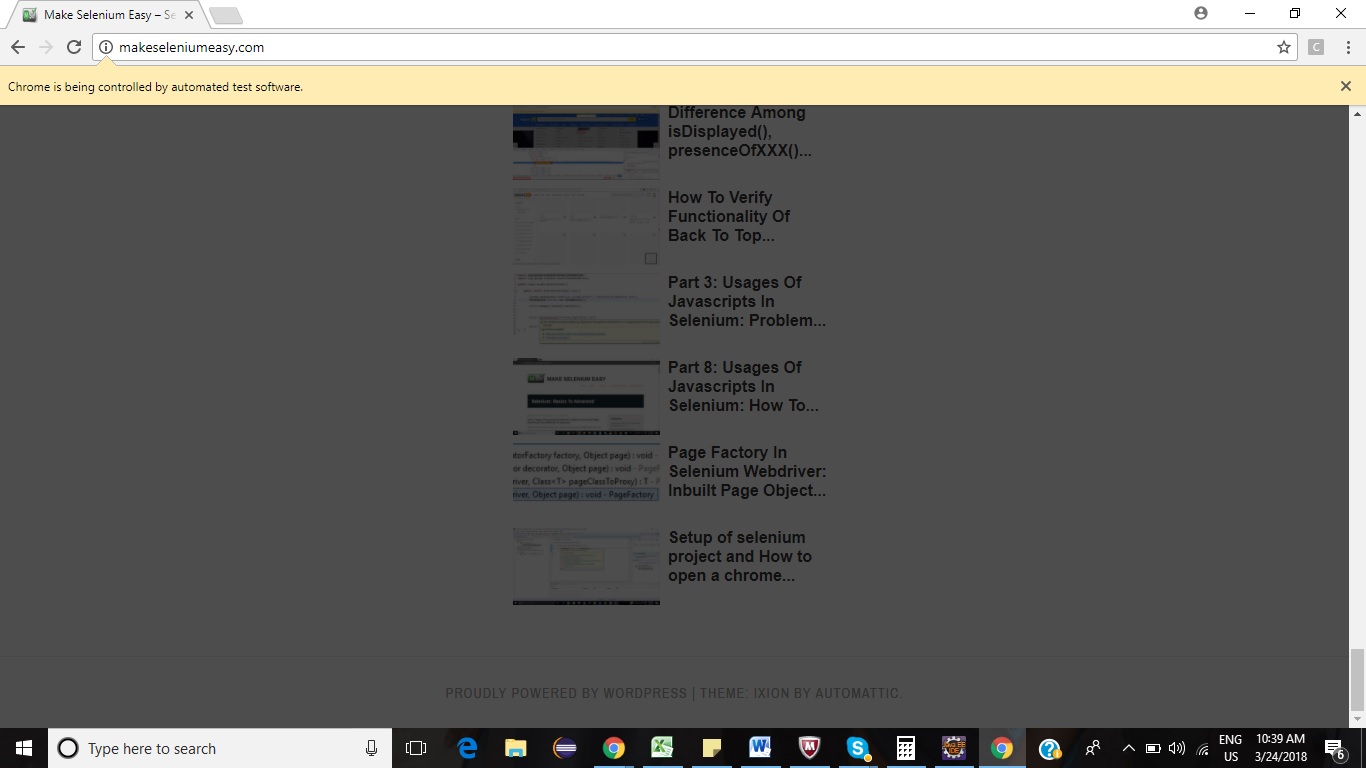
Java code example 2:

Output:
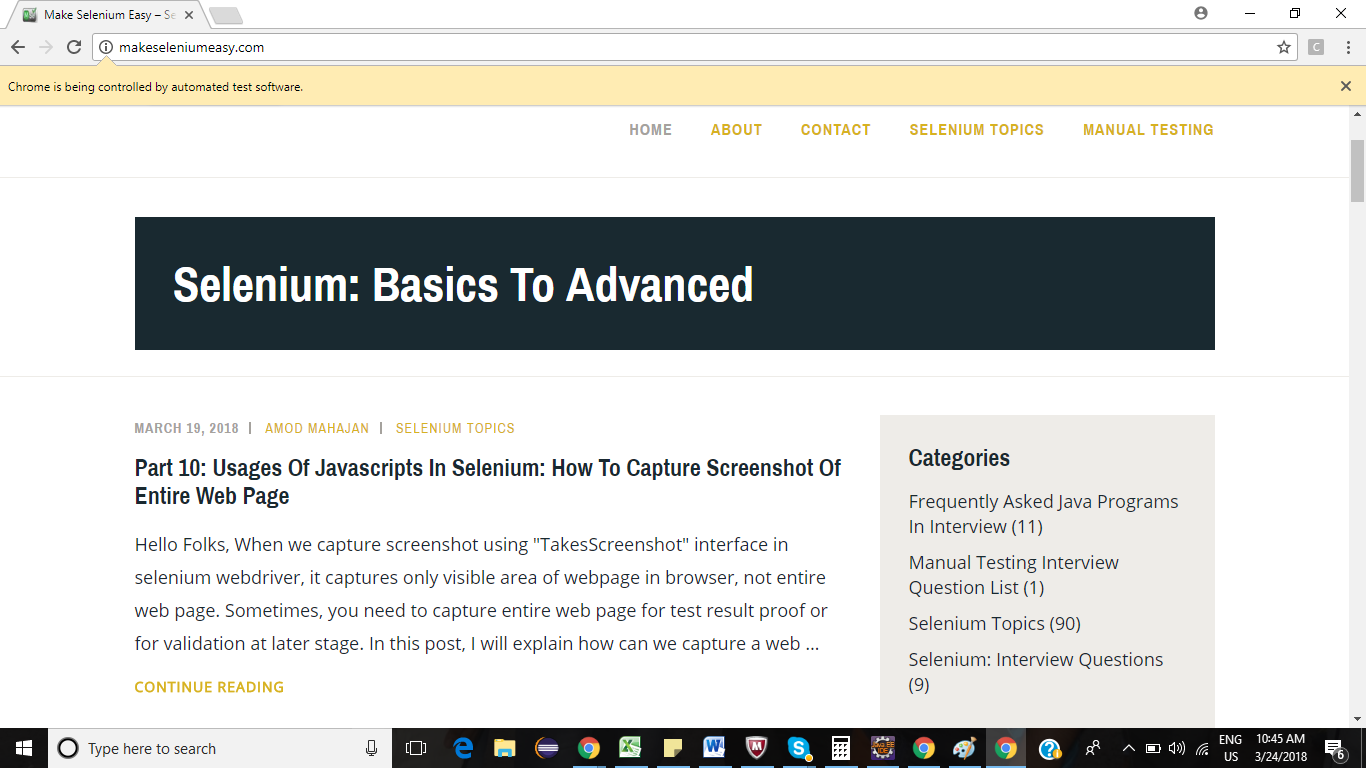
Java code example 3:

Output:
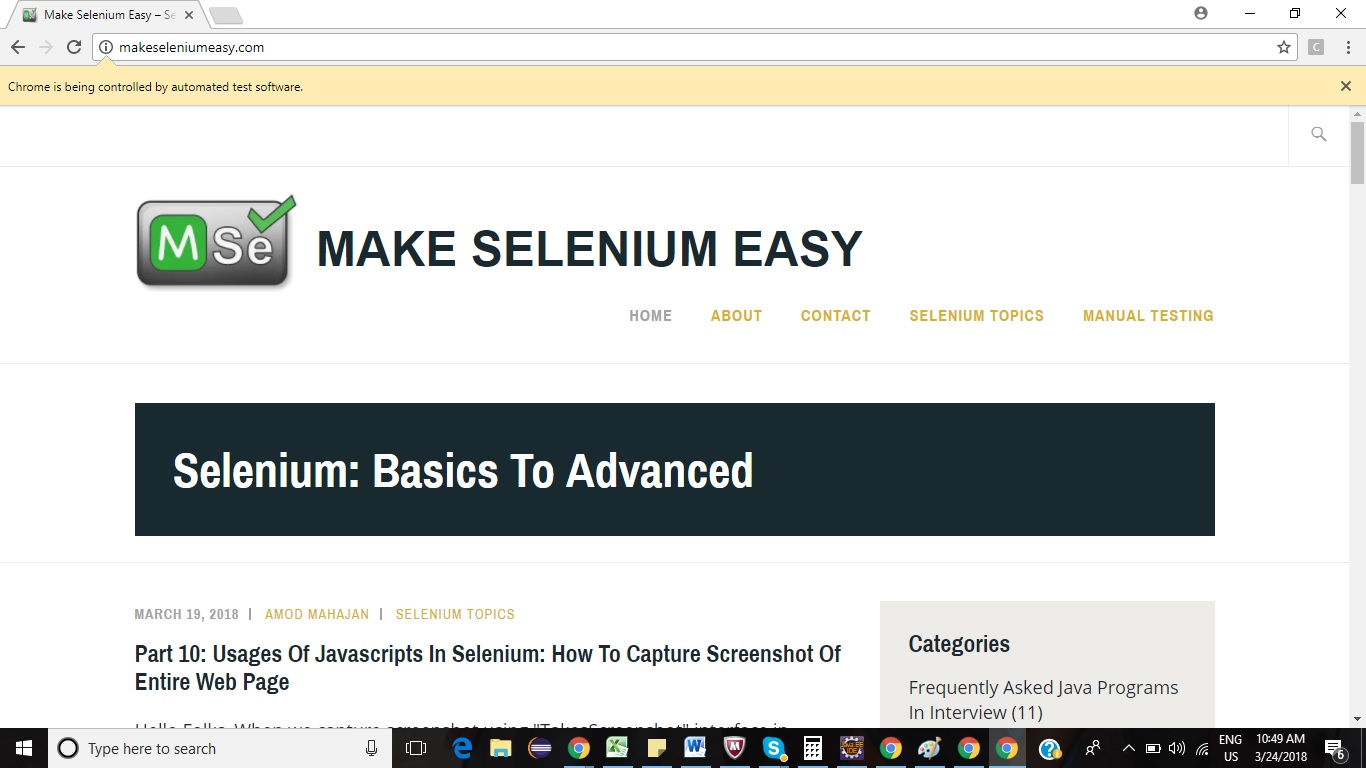
If you have any doubt, feel free to comment below. If you like my posts, please like, comment, share and subscribe. #ThanksForReading

#HappySelenium

Uncategorized

Post navigation

Previous Post: API Testing Tutorial Part 5 – Safe Methods in HTTP Methods
Next Post: Amod Mahajan

Related Posts

July 2018 – Page 3 – Make Selenium Easy Uncategorized
November 16, 2018 – Make Selenium Easy Uncategorized
Amod Mahajan, Author at Make Selenium Easy – Page 48 of 48 Uncategorized
FileUploadHtml – Make Selenium Easy Uncategorized
REST Assured Tutorial 59 – How To Create JsonPath For Simple And Nested JSON Array? Uncategorized
Generics In Java Uncategorized

Recent Posts

  • Getting Started with Selenium 4: What Is New and How to Upgrade from Selenium 3
  • Manual Testing
  • Baby Steps To Become Efficient Selenium-Java Automation Tester
  • Features of Selenium 4.0.0 Release – Java Binding
  • Part 1: Handling Drop-down Created Using SELECT Tag In Selenium

Recent Comments

No comments to show.

Archives

  • April 2026
  • April 2025
  • March 2025
  • February 2025
  • January 2025
  • December 2024
  • November 2024
  • October 2024
  • September 2024
  • August 2024
  • April 2024
  • March 2024
  • February 2024
  • December 2023
  • October 2023
  • August 2023
  • November 2022
  • September 2022
  • August 2022
  • July 2022
  • May 2022
  • March 2022
  • October 2021
  • April 2021
  • March 2021
  • January 2021
  • December 2020
  • October 2020
  • September 2020
  • August 2020
  • June 2020
  • May 2020
  • April 2020
  • March 2020
  • February 2020
  • January 2020
  • December 2019
  • November 2019
  • October 2019
  • September 2019
  • August 2019
  • May 2019
  • December 2018
  • November 2018
  • October 2018
  • September 2018
  • August 2018
  • July 2018
  • January 2018

Categories

  • Getting Started
  • Uncategorized

Copyright © 2026 Make Selenium Easy.

Powered by PressBook Masonry Dark